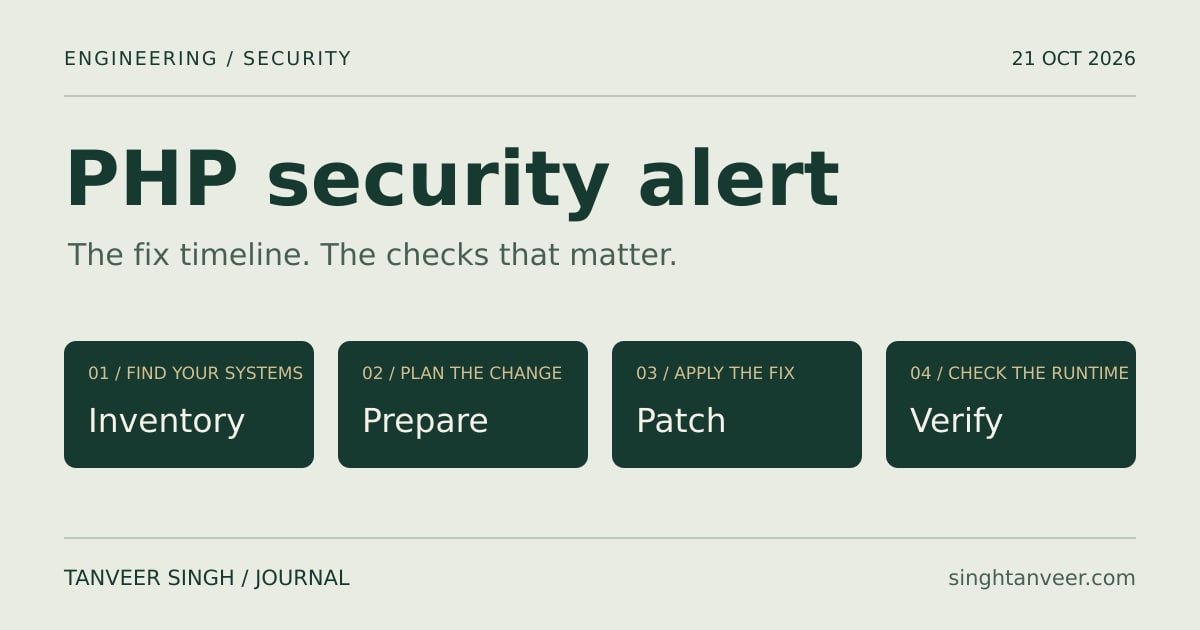
PHP has scheduled a critical security release for 21 October 2026 at 14:00 UTC, which is 7:30 PM IST in India. Its advance notice describes two vulnerabilities, each rated 9.2 under CVSS v4.0. This is a scheduled release time, not confirmation that your website has received a fix.
The short answer: expected fix time and current status
Status checked: 21 October 2026 at 16:10 IST (10:40 UTC). At this check, PHP’s official advance notice still says the full technical details and affected and fixed versions will accompany the release. An earlier release is possible. This article records the pre-release position; use the official links below for subsequent announcements.
What is confirmed, and what is still unconfirmed?
The PHP project’s announcement is the primary source for the release schedule and severity. CERT-EU advisory 2026-018 separately lists CVE-2026-109618 and CVE-2026-109619. CERT-EU discusses possible remote code execution and potentially broad version coverage, while noting the absence of public technical details and relying on external reports for parts of that assessment.
Treat claims about the precise attack path, every affected configuration, a universal workaround or confirmed exploitation cautiously until the relevant primary advisories establish them. The useful response now is to identify PHP systems, assign an update owner and prepare a controlled rollout. Avoid sharing an unverified exploit as if it were an official finding.
Which PHP versions should you check?
The affected-version matrix for this announcement was still pending at the status check above. Do not infer safety from a branch number, and do not assume that a previously released security update resolves a newly announced issue. Compare your exact build with the eventual advisory and your operating-system or hosting vendor’s security notice.
PHP’s supported-versions page currently lists branches 8.2, 8.3, 8.4 and 8.5. Security support for 8.2 ends on 31 December 2026. Support status tells you where official maintenance exists; it does not establish whether a particular build contains this fix. For an older runtime, establish whether a maintained vendor backport exists or plan migration to a supported branch.
Find the PHP runtime your website actually uses
Start an inventory with the application name, environment, owner, public exposure, PHP build, package source and deployment method. Include customer-facing websites, internal tools, staging systems, APIs, scheduled jobs and background workers. A forgotten server can remain exposed after the main application has been updated.
For shell access, php -v reports the command-line interpreter’s version, and php --ini identifies its configuration files. These are useful checks, but a shell can use a different PHP installation from the PHP-FPM pool or Apache module serving your domain. Match the result to the actual web process, site configuration or hosting control panel.
For WordPress, open Tools > Site Health > Info > Server and inspect the PHP information. Ask your host to confirm the active runtime and patched package build for that specific site. Do not leave a public phpinfo diagnostic page online to demonstrate the version.
What to prepare before the patch is available
Choose who will make the change and who will test it. Take a recoverable backup, confirm access to the deployment system and record the current package or image version. Check that the application’s framework, extensions and dependencies support the intended PHP branch. Rehearse the normal update process in a representative environment where practical.
CERT-EU recommends preparing to patch promptly and considering isolation of internet-facing applications when immediate remediation is not feasible. Decide on any temporary access restriction with the system owner, accounting for essential services and the exposure involved. A firewall rule or configuration change should not be described as a complete fix without advisory support.
- Identify every public PHP entry point and assign an owner.
- Prepare the update, backup and recovery procedure.
- Keep official PHP and hosting security notices open.
- Agree how to restrict exposure if patching is delayed.
How to apply and verify the security update
Once the advisory is published, match your environment against its affected versions and conditions. Obtain the fixed release through your trusted package repository, official distribution channel or hosting provider. A distribution may backport a fix without adopting the upstream version number, so use its advisory and package revision as evidence.
For containers, rebuild from a verified patched base and redeploy the affected workloads. For a server installation, follow the vendor’s update procedure and restart or replace the PHP processes that need it. Include long-running queue workers and scheduled processing where they use the affected runtime. Merely downloading a package does not prove that running processes have changed.
Verify the deployed version in the real serving environment, then test login, key forms, uploads, payment flows where applicable, APIs and background jobs. Review application errors and deployment health. Record the installed build, advisory reference, deployment time and verification result so another engineer can confirm what happened.
WordPress, Laravel and managed hosting: who updates what?
A WordPress core, theme or plugin update is a different change from updating the PHP interpreter. Similarly, updating Laravel dependencies with Composer does not replace the server runtime. Keep normal application updates moving, but identify who controls PHP itself: you, your infrastructure team or the hosting provider.
Ask a managed host three concrete questions: Is this site affected by the advisory? Which patched PHP package or build will serve it? When will deployment and verification finish? Request confirmation for each environment rather than accepting a generic statement that the platform supports a recent PHP version.
Where to check the PHP vulnerability and fix status
Use the linked primary sources at the end of this article. The PHP announcement archive preserves the original notice. PHP Downloads and the PHP 8 ChangeLog are places to check release availability and release notes; compare them with the specific security announcement rather than assuming the newest visible download addresses this issue.
CERT-EU provides a separate security-advisory reference. Your hosting provider, Linux distribution or container-image maintainer is the source for its own package availability and rollout. If upstream PHP publishes a fix before your provider distributes it, the two timelines are different. Track both until the deployed system is verified.
When will my website be fixed?
There is no single guaranteed completion time for every PHP website. It depends on patch availability in your distribution, hosting rollout, compatibility checks and the deployment itself. Ask for an environment-specific completion estimate and evidence of the running patched build. A scheduled upstream release is a planning milestone, not a service-restoration guarantee.
Is updating WordPress or Laravel enough?
Do not use an application update as proof that PHP is patched. Confirm the interpreter separately with the person or provider responsible for the runtime, then test the application after the runtime change.
Does php -v prove that the website is safe?
It is one inventory check. Confirm the web-serving runtime, package provenance and advisory coverage as well. A version check also cannot establish whether a system was previously compromised; suspicious activity requires a separate investigation.
A practical next step for your PHP application
Start with a clear list of systems and owners, then turn the relevant advisory into a deployment and verification checklist. For a business-critical PHP or Laravel application, document the runtime, dependencies, hosting constraints and essential user journeys before changing production. That makes the response easier to review and maintain after the immediate alert.