The best AI for coding is the assistant that helps you finish your actual work with a change you can understand and maintain. A tool that explains a function beautifully may struggle with a change that crosses authentication, data access and background jobs. An impressive demo on an empty project tells you little about your own repository.
Start with the task, then choose the tool
There are several useful starting points. GitHub Copilot fits developers who want assistance inside a familiar development workflow. Cursor puts an AI-oriented editor and agent workflow at the centre of the experience. Claude Code and Codex offer terminal-based ways to work with a repository. The products overlap, and their features change. Treat these as workflow descriptions, not a permanent ranking.
This guide does not claim a hands-on benchmark winner. It gives you a small evaluation you can run yourself. The important result is whether an assistant reduces the time needed to reach a correct, reviewed change, including the time you spend repairing its mistakes.
What each starting point offers
GitHub's documentation describes Copilot features including code suggestions, chat and agent-oriented development. The exact experience depends on your plan, editor and organisation settings. If your main need is help while you write and review code in an existing environment, start by testing that experience rather than buying a separate workflow immediately.
Cursor documents an agent that can work across a codebase. It is worth considering when you want an editor built around discussing and applying a larger change. The practical question is whether its navigation, edits and review experience help you follow what happened. A large change is only useful when you can inspect it comfortably.
Claude Code's permission system matters when an assistant can run commands as well as edit files. OpenAI's Codex CLI also supports repository work from the terminal. For these tools, compare the permission prompts, the clarity of proposed commands and the ease of reviewing the final diff. Do not assume a terminal agent is better simply because it can do more.
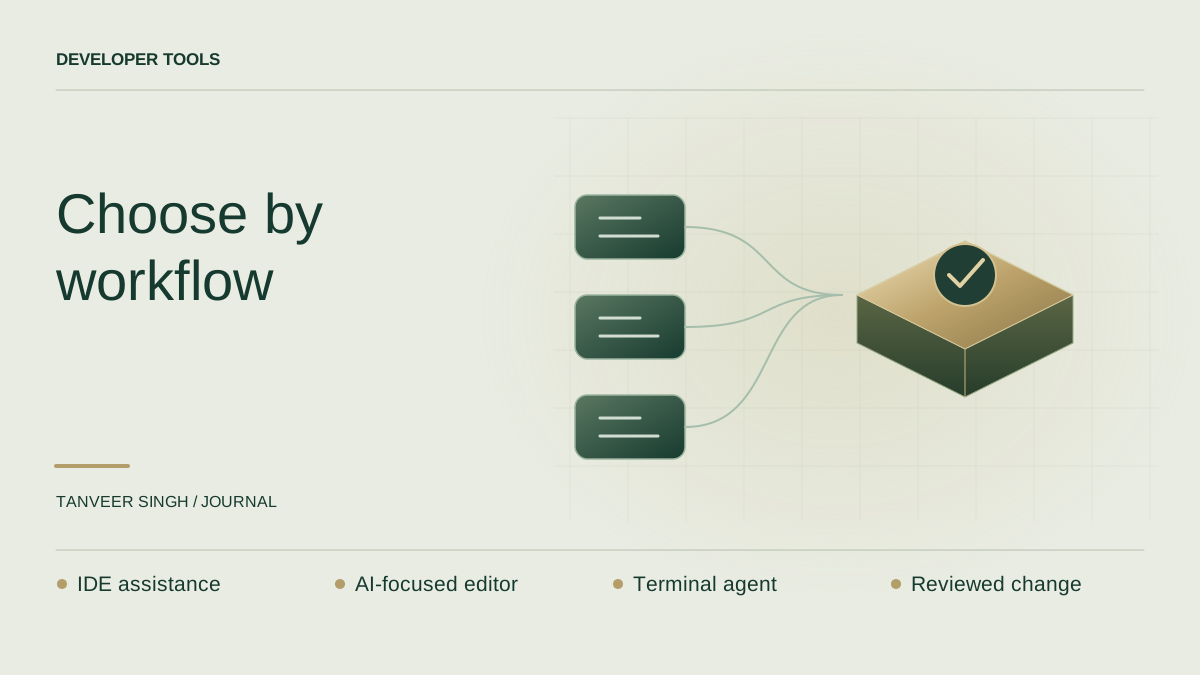
- Already happy in your IDE: first test an integrated assistant on a normal task.
- Want an AI-focused editing environment: evaluate the editor and review workflow together.
- Prefer terminal-driven work: evaluate a repository agent with constrained permissions.
- Working under client or employer policies: check allowed tools and data handling before sharing code.
Run a comparison that resembles your day
Choose a small but realistic task in a disposable branch. For example, add a search filter to a project listing while preserving pagination, access checks and empty states. Include a regression case for a private project. This exposes whether the tool reads surrounding code, respects boundaries and tests the behaviour people actually need.
Give every assistant the same starting commit, task brief and relevant constraints. Ask it to explain the proposed approach before editing. Record the model, tool version, available permissions and date so the result is not mistaken for a timeless product verdict. If one tool has extra context or a different test environment, note that difference.
Time the complete job. Include understanding the generated change, correcting it, running checks and reviewing the diff. A ten-minute implementation followed by forty minutes of cleanup is not a ten-minute success. If a tool fails, keep the failure in the scorecard instead of quietly replacing the task with one it can solve.
- Correctness: does the intended behaviour work, including the awkward cases?
- Scope: did it change only the files and behaviour needed?
- Explanation: can you describe the change without asking the assistant again?
- Verification: did it run meaningful checks and report their actual results?
- Review effort: how much time did you spend repairing or simplifying the result?
Ask for evidence rather than confidence
A coding assistant can describe a change convincingly without proving it works. Ask which checks ran, what they covered and which parts remain unverified. A passing build confirms less than a behaviour test, and a behaviour test confirms less than a review of the access model. Match verification to the risk of the change.
For the search example, useful evidence includes a working public query, an empty result, a second page of results and a check that private items remain excluded. The assistant should not claim success because it created a test file. The test must execute, assert the intended behaviour and avoid simply restating the implementation.
Keep automatic actions narrow at first. Do not grant broad command or deployment permission merely to make a benchmark faster. Once you understand how an assistant handles your repository, you can deliberately expand the work you delegate.
Questions worth answering before you pay
Can a beginner use an AI coding assistant? Yes, but the assistant does not remove the need to understand the language, errors and data flow. Ask it to explain a small change and verify that explanation against the code. Avoid letting a large unfamiliar patch become your learning material.
Which tool is best for Python or C#? Language support is only part of the decision. Run the comparison in the framework and project structure you actually use. A short standalone Python function is not evidence that a tool understands your production retrieval pipeline or your .NET application's access rules.
Should you keep more than one assistant? Only if they serve distinct needs and the extra cost and switching effort are worthwhile. Start with one primary workflow, document the result and review it when the product or your work changes. A shortlist is useful; endless tool switching is not a development strategy.
A useful next step
Take one task from your next development cycle and write a five-line brief: the outcome, affected users, constraints, acceptance checks and actions that require approval. Use that brief to evaluate your shortlist. It will give you a more reliable answer than a list of tools sorted by someone else's preference.
If you are introducing AI-assisted development into a client project, agree on review ownership and code-handling rules before rollout. The assistant can help produce the change. A person still needs to own the decision to ship it.