An assistant that proposes an email draft can make a mistake you catch before sending. An assistant with permission to send the email can make the same mistake on your behalf. That shift, from information to action, is where product design, security and engineering have to meet. Calling a workflow “agentic” does not make the boundary disappear.
An answer and an action are different products
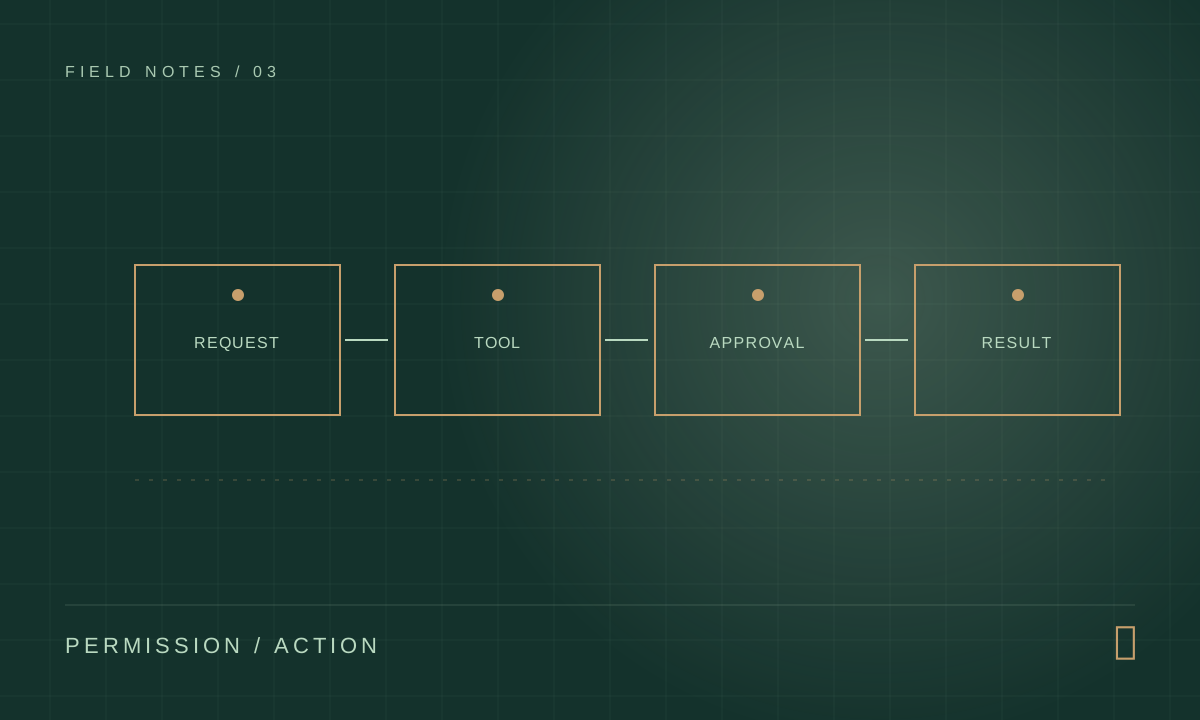
Begin with a concrete task: a customer asks to reschedule an appointment. Write the flow as a map of what the system reads, what it infers, which tools it can call and which person owns the outcome. Mark the point where it moves from preparation into a consequential change. You will often find that ordinary deterministic code should handle the schedule rules, while an LLM helps interpret the request or draft a response.
- Read the request and confirm identity.
- Look up eligible times using a narrow read-only tool.
- Prepare a proposed change with evidence.
- Require approval before the booking or message is committed.
Limit each capability at the boundary
Give a tool a small job and an explicit schema: “find available times for this appointment” is easier to reason about than “query the entire scheduling database.” The server should enforce account permissions and validate arguments independently of the model. Keep secrets out of the prompt. If a model chooses an unexpected customer ID, the API must still refuse access.
OWASP’s agentic application guidance describes risks that emerge when autonomous systems plan and act across tools. Prompt injection is one of them: text in a document, website or tool result may try to persuade the model to ignore its instructions. Treat retrieved content as untrusted data, restrict what downstream tools can do and make high-impact operations require a separate approval step.
- Bind each tool call to the verified user and the current task.
- Add idempotency keys for operations that could be retried.
- Log the proposed action and its actual result, with sensitive data redacted.
Design the review screen, not just the backend
A useful approval screen explains exactly what will change, why the assistant suggested it and what evidence it used. Let a human edit, reject or defer. “Approve” should not be the only prominent button, and the approval record should include the reviewed values rather than a vague indication that a human was present.
The recovery path matters too. What happens if the calendar update succeeds but the confirmation email fails? What happens if a network timeout makes the model repeat a tool call? Represent intermediate states explicitly, define compensation or manual repair and show the user a clear status. This is standard reliable software engineering applied to a new kind of controller.
A simple authorization table
For every proposed agent tool, write down who may use it, which resource it can touch and the maximum consequence of a mistake. “Search appointments for this verified account” is a different permission from “change an appointment.” When an operation affects another person, adds cost or sends information outside the system, add a review gate.
This table is useful in design reviews because it makes a hidden assumption visible. A model may generate an incorrect argument; the server must reject it. A reviewer may approve the wrong draft; the interface must present enough context for a real decision. Security emerges from several explicit checks rather than from a single clever prompt.
- Read-only search: scoped to the authenticated account.
- Draft change: visible to the user before commitment.
- Commit change: validated by the server and logged.
Measure the right outcome
Count successfully completed appointments, corrections made by reviewers, unexpected tool calls and cases handed back to a human. A workflow that needs review but saves substantial clerical work can be a success. A fully autonomous workflow that acts unpredictably is not.
The goal is to make capable software useful in a real organization. That usually means a narrow capability, clear accountability and a visible point where the system knows its limits.