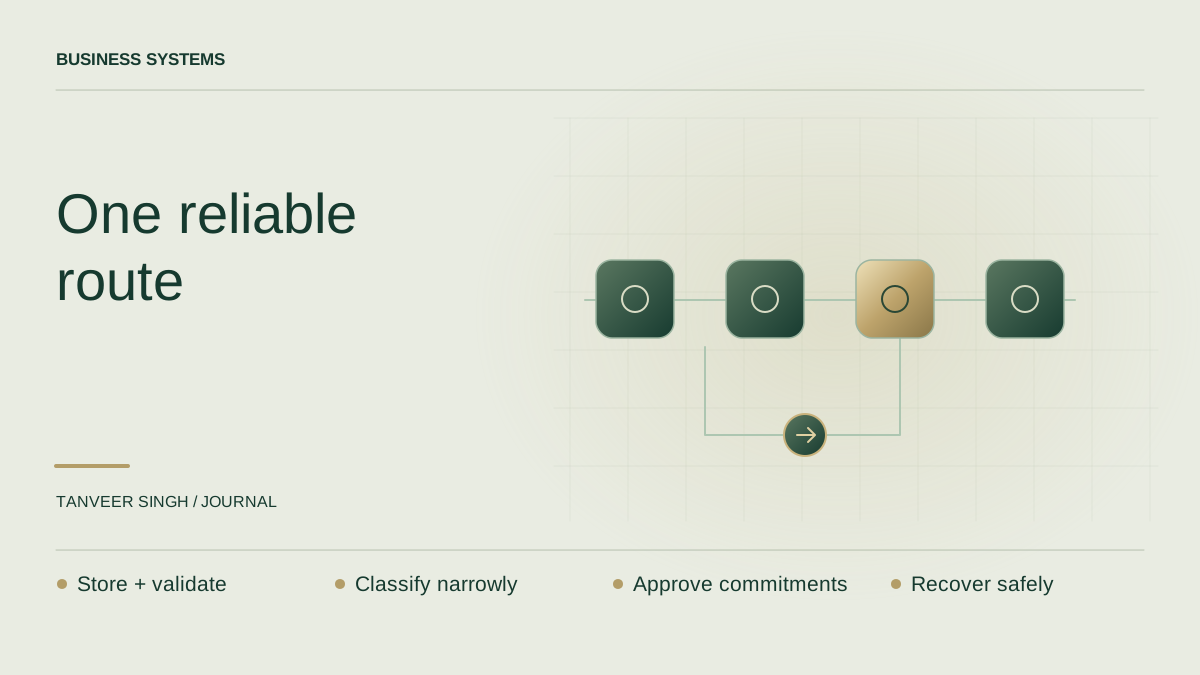
AI workflow automation works best when you can describe the result in plain language. “Every valid enquiry reaches the right person, with enough information to respond” is a useful outcome. “We need an agent, a vector database and three integrations” is a technology shopping list.
Automate an outcome, not a collection of tools
Start with one process whose inputs, owner and successful result are clear. Measure how it works today. Then use AI only where interpretation is genuinely needed, such as understanding a free-text enquiry or preparing a draft. Keep predictable decisions—required fields, account ownership and duplicate checks—in ordinary application logic.
The example below is a proposed design for a fictional service business. It is not a client case study or a claim of measured savings. It shows the details that turn an impressive demonstration into a workflow the business can operate.
The example: turn an enquiry into an actionable record
A visitor submits a form with contact details and a description of the work they need. The system validates required fields and assigns a stable submission ID. It stores the original entry before calling any external service, so the enquiry remains available if the model or CRM is down.
An AI step classifies the description into a small approved set of categories and extracts a concise summary. It does not invent a budget, promise a delivery date or decide that the visitor is a qualified lead. If the input is ambiguous, the record goes to review with the original text available to the authorised operator.
After validation, the system creates or updates the CRM record and routes it using explicit business rules. It can prepare a response draft, but a person approves any personalised commitment. A simple receipt confirmation can use a fixed template instead of asking a model to generate something new every time.
- Receive and store the original submission.
- Validate contact details and required fields.
- Ask the model for a constrained category and factual summary.
- Validate the model output against the allowed schema and values.
- Write to the CRM with duplicate protection.
- Route to an owner or a review queue; record the outcome.
A workflow does not need to be fully autonomous
Anthropic distinguishes predefined workflows from agents that dynamically decide how to proceed, and recommends starting with simple, composable approaches. For the enquiry example, the steps are known in advance. An explicit workflow is easier to inspect than an agent that can choose arbitrary applications and actions.
Give the AI step a narrow job and a narrow output. For example, the allowed category could be automation, application development, integration or needs_review. The application should reject a different value rather than quietly allowing a new routing branch created by the model.
Write down what the AI must not infer. It should not treat an unverified sentence as a signed contract or a request for privileged access. A confident-looking summary is still generated content. The downstream system should make important decisions from validated data and authorised rules.
Make retries safe before you add more integrations
Networks fail. A CRM request may succeed even if your application never receives the response. If the application blindly retries, it can create duplicate records. Attach the stable submission ID to the operation and use the receiving system's supported duplicate-protection mechanism or an application record that safely tracks completion.
Use bounded retries for transient failures, and distinguish them from permanent errors such as an invalid field or denied permission. An operator needs to see which stage failed and which stages already completed. Replaying the entire process should not send another receipt or overwrite a later human update.
Keep a manual path available. If the model is unavailable, preserve the enquiry and alert the responsible person. A delayed classification is acceptable in many businesses; a lost customer request is not. Design that distinction before launch.
Review the context and access the model receives
The model needs the enquiry and the approved category descriptions, not unrestricted access to the CRM. Send the minimum relevant information for its task. Anthropic's context-engineering guidance emphasises curating the information available to an agent; here, a small task-specific context is also easier to test and inspect.
If the workflow later retrieves previous interactions, enforce access before including them. A visitor's message should never decide which other customer's records may be fetched. Tool permissions and application authorisation need to remain outside the model's interpretation of the request.
OWASP's excessive-agency guidance describes risks from too much functionality, permission or autonomy. Apply that principle by limiting tools, separating draft preparation from sending and requiring human approval for consequential commitments. The goal is a useful bounded process, not maximum autonomy.
Define success before the first production run
Build a small set of representative enquiries: clear categories, ambiguous descriptions, missing fields, duplicate submissions and text that tries to redirect the system. Include an unavailable-model case and an unavailable-CRM case. Review whether every entry remains recoverable and correctly scoped.
Track completed enquiries, routing accuracy on reviewed samples, manual-review workload, duplicate records and time to resolution. Do not call the workflow successful because it produced many model responses. The business result is that the right person receives an accurate, actionable record.
Roll out to a limited part of the process and keep the previous handling path available. Expand when the evidence shows reliable completion and manageable recovery. For a wider automation project, use these results to write the next scope instead of adding tools because they are fashionable.